Verizon SideView
Collaborative cross-platform app design.
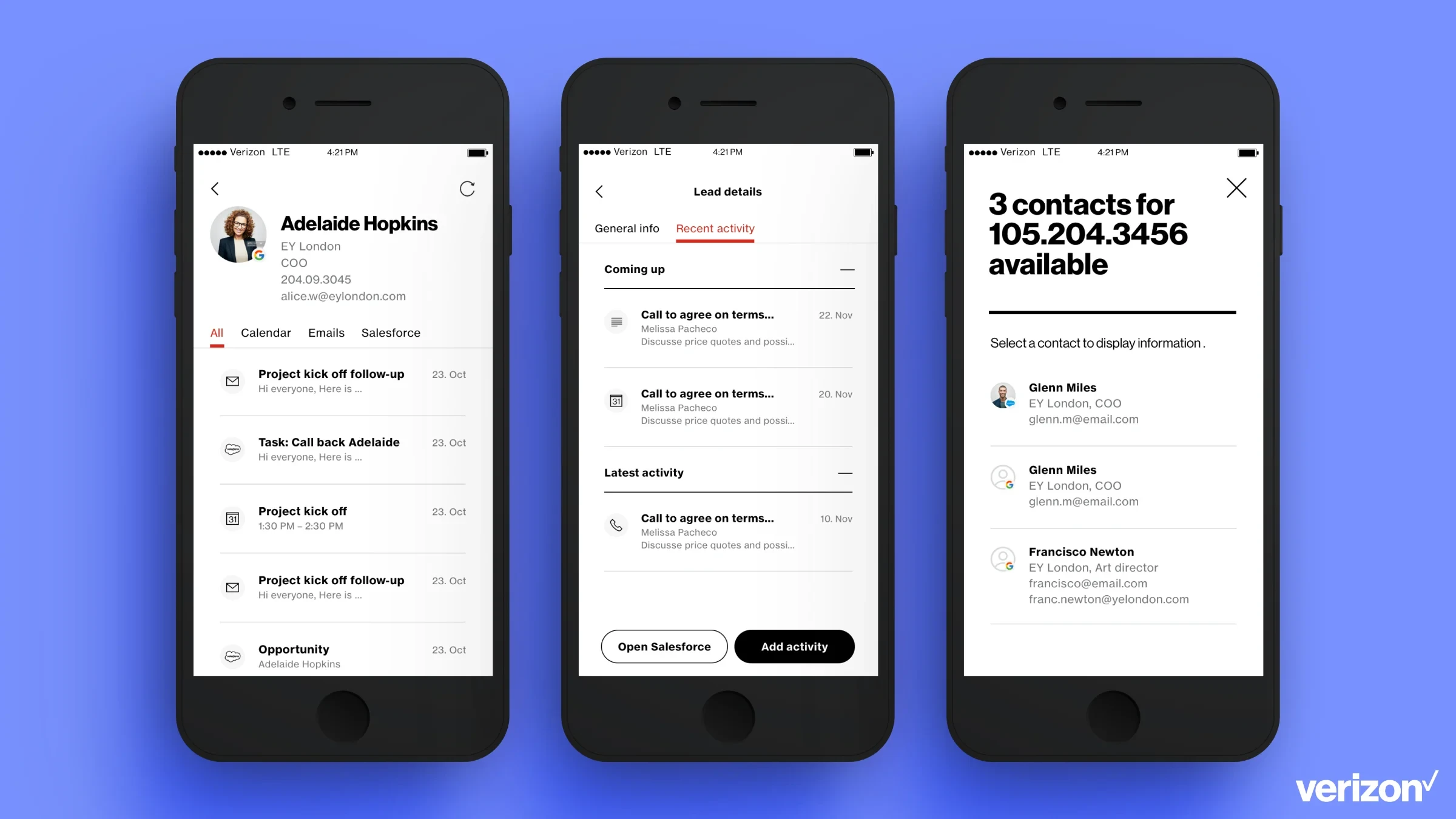
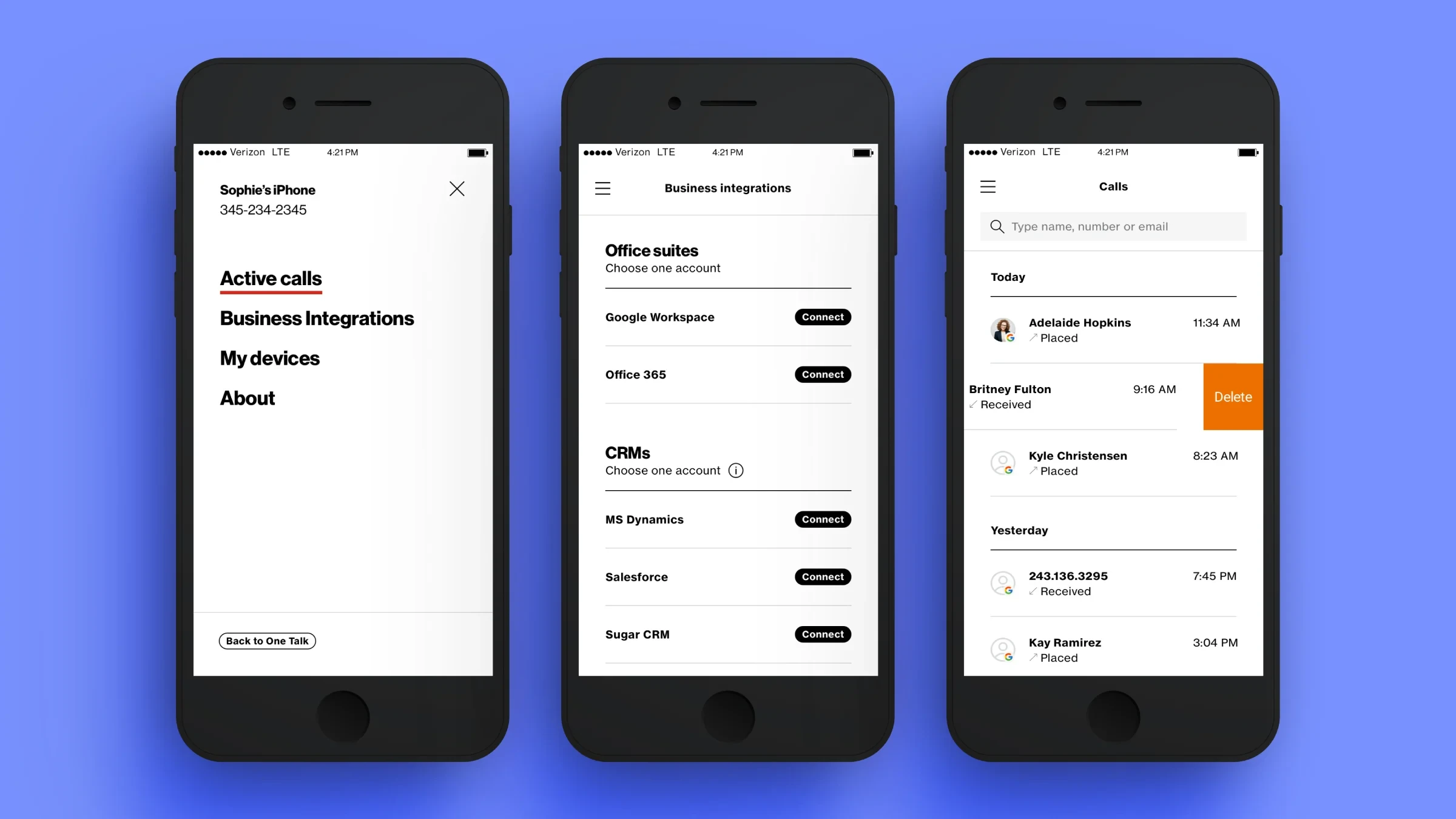
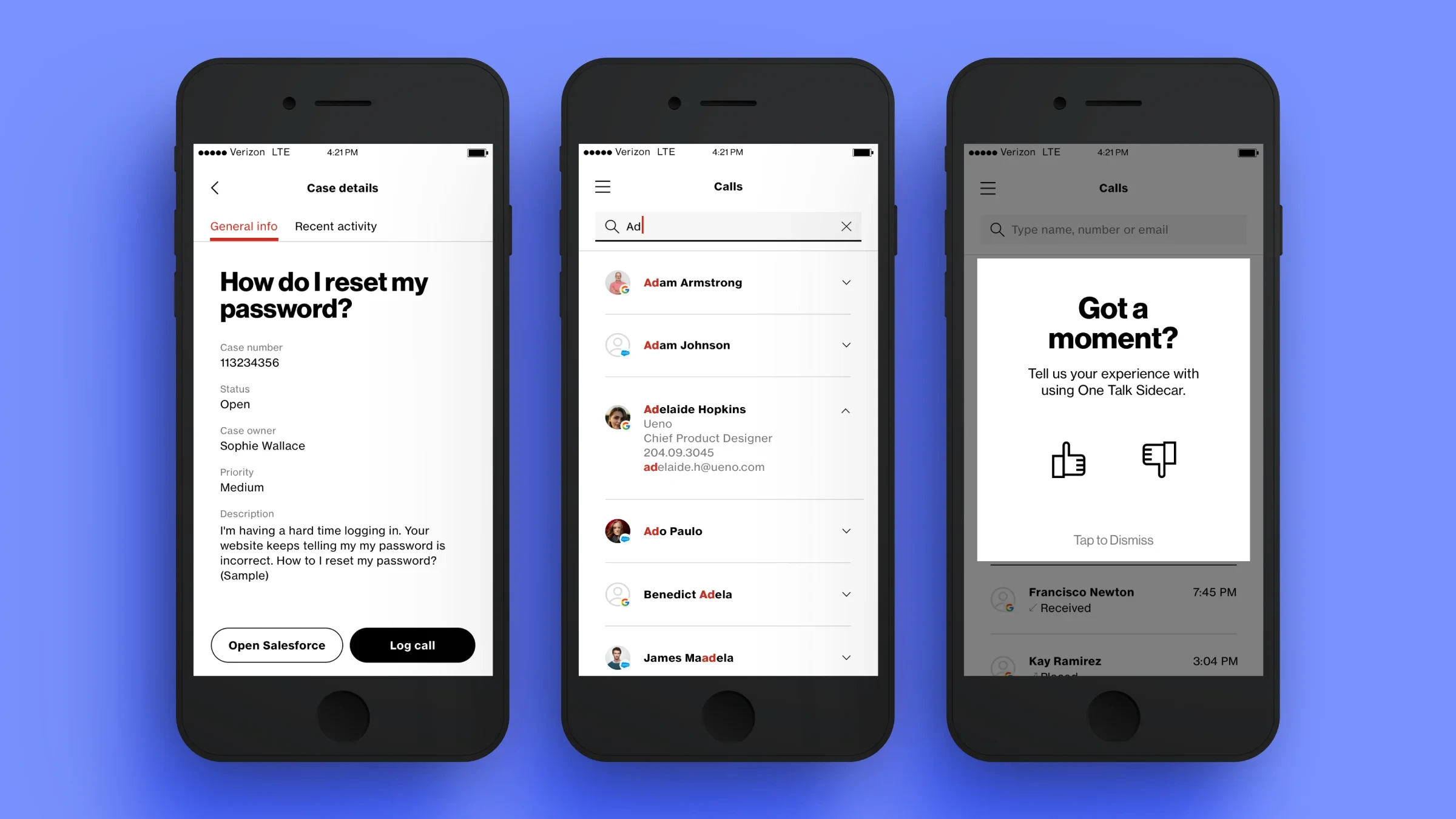
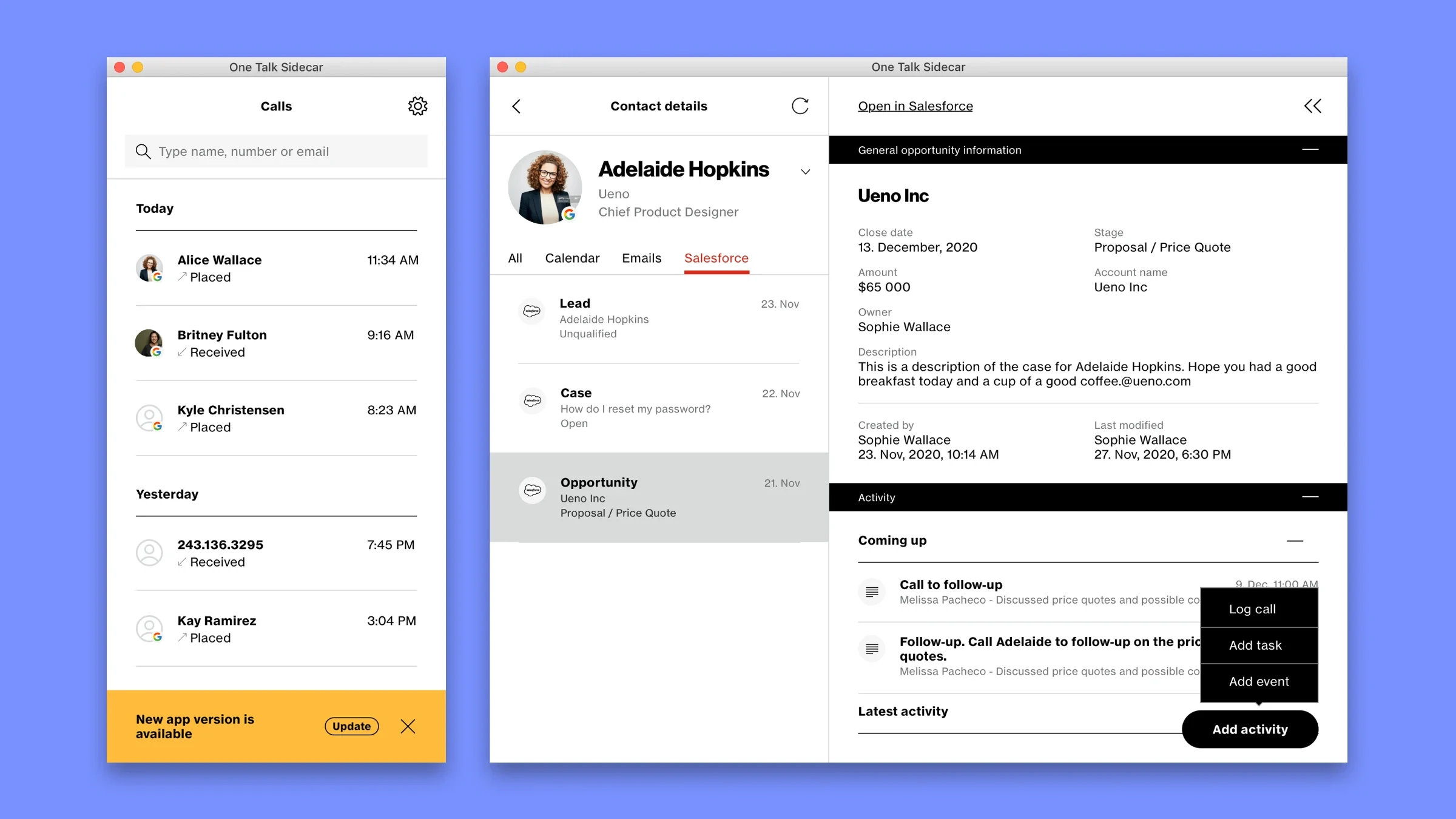
Led the 0→1 design of a native cross-platform app that gives sales and support teams a unified view of contact and account data during calls, shipped across iOS, Android, macOS and Windows. Created in collaboration with the Verizon product team.
Context
People working in sales and support had to switch between multiple tools during live calls to access customer information. This fragmented workflow slowed them down and increased cognitive load.
Goal
Build an initial version of a unified app to streamline workflows, surface relevant CRM and account data, and enable logging and scheduling — all from a single interface.
My role
Sole product designer leading end-to-end design:
- Facilitated co-creation sessions with engineering and key stakeholders
- Designed low- and high-fidelity prototypes
- Conducted internal testing with stakeholders
- Supported handoff and implementation across platforms
Challenges
- Four platforms, each with its own technical and UI conventions
- Limited access to end users
- Multiple stakeholders with varied priorities
Process
Optimised for clarity and collaboration:
- Ran frequent co-creation and feedback sessions with engineers and stakeholders
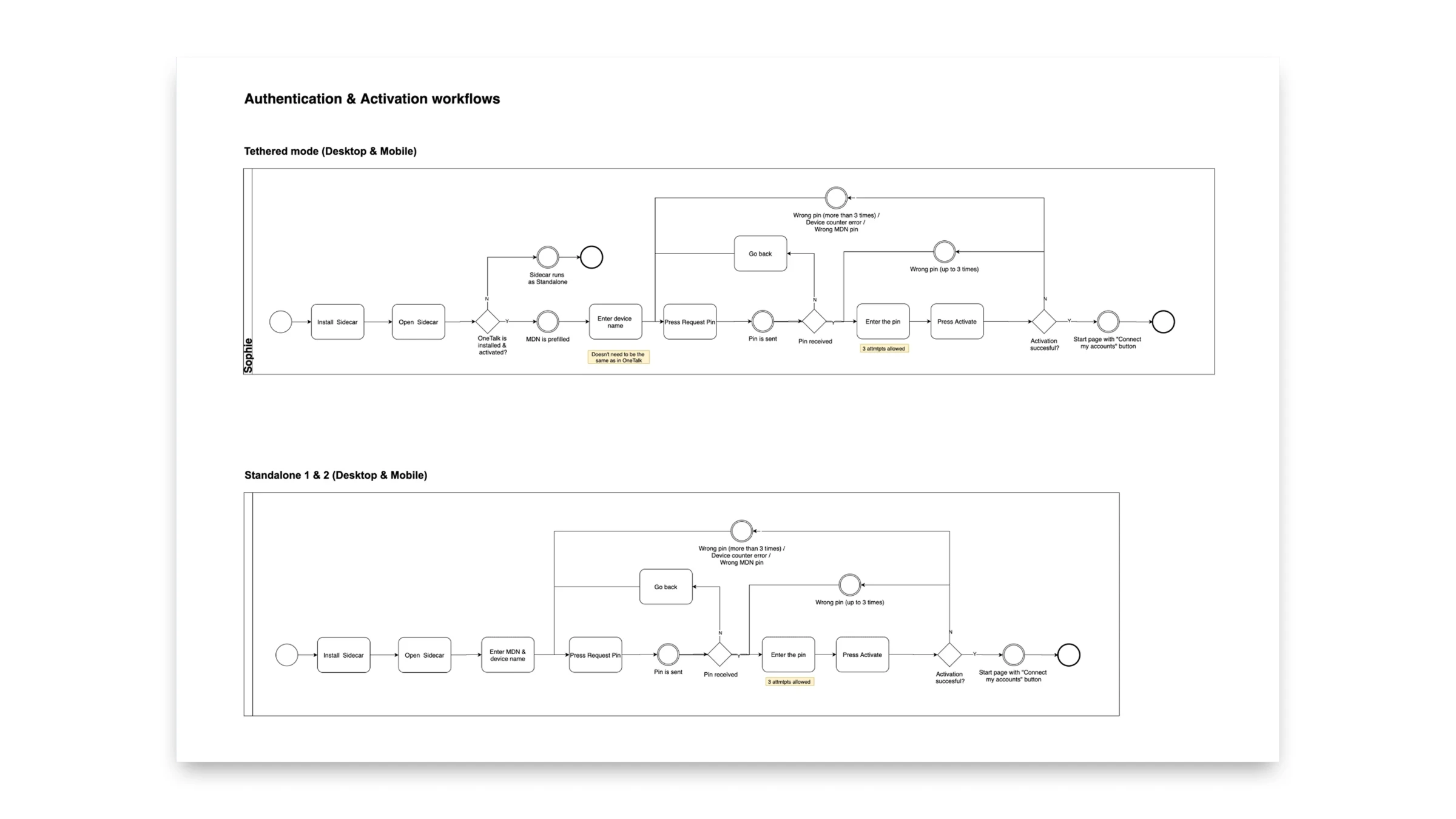
- Mapped complex workflows to align understanding
- Iterated designs rapidly through low- and high-fidelity prototypes
- Maintained cross-platform consistency while adapting to each OS
Outcome
Shipped the first app version across iOS, Android, macOS and Windows. The product team began collecting real user feedback to guide the next iterations.